SPEAK
Recall with your voice
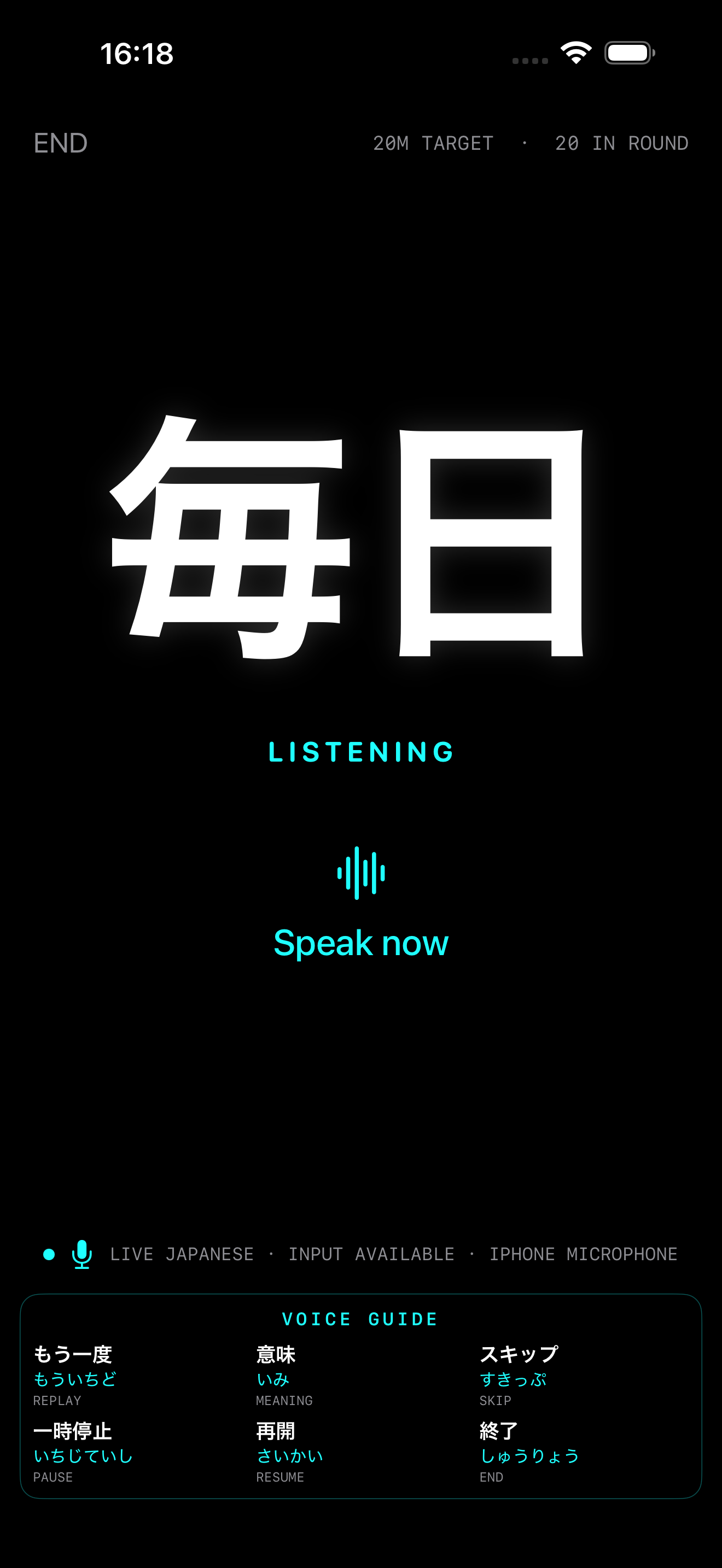
See a Japanese prompt, say its reading aloud, and get immediate visual, sound, and haptic guidance.
VOICE-FIRST JAPANESE RECALL
Kanji Aloud turns Japanese reading practice into a focused spoken-recall loop—simple enough to use by hand, by voice, or hands-free when it is safe.
App Store release in preparation · iPhone · iOS 17+
THE LEARNING LOOP
Kanji Aloud keeps the lesson flow lean: one large prompt, a clear cue, and feedback you can understand without searching the screen.
SPEAK
See a Japanese prompt, say its reading aloud, and get immediate visual, sound, and haptic guidance.
REPEAT
A missed reading stays in the coaching loop until you can say it successfully—then returns sooner for review.
REMEMBER
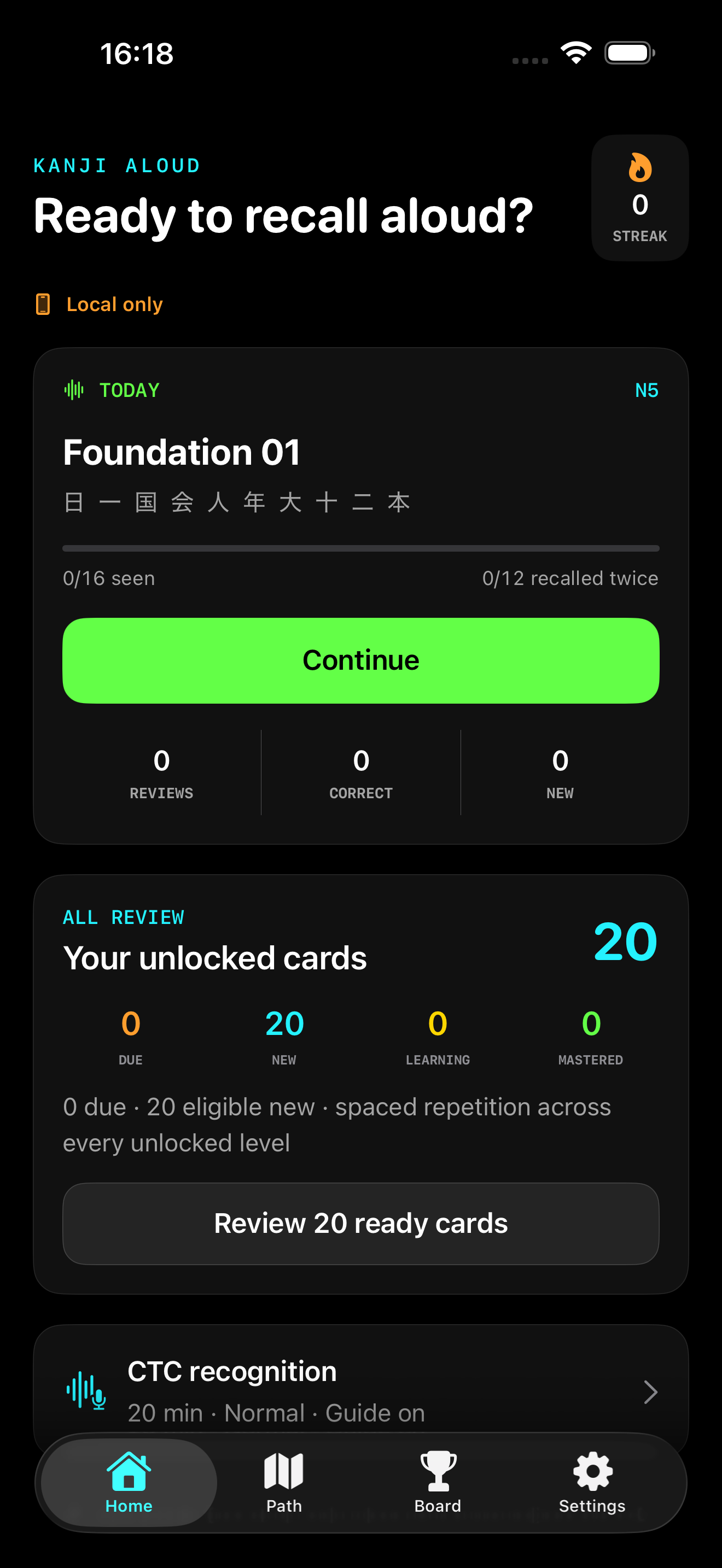
Spaced repetition brings difficult and due cards forward across every unlocked learning unit.
THE IPHONE EXPERIENCE
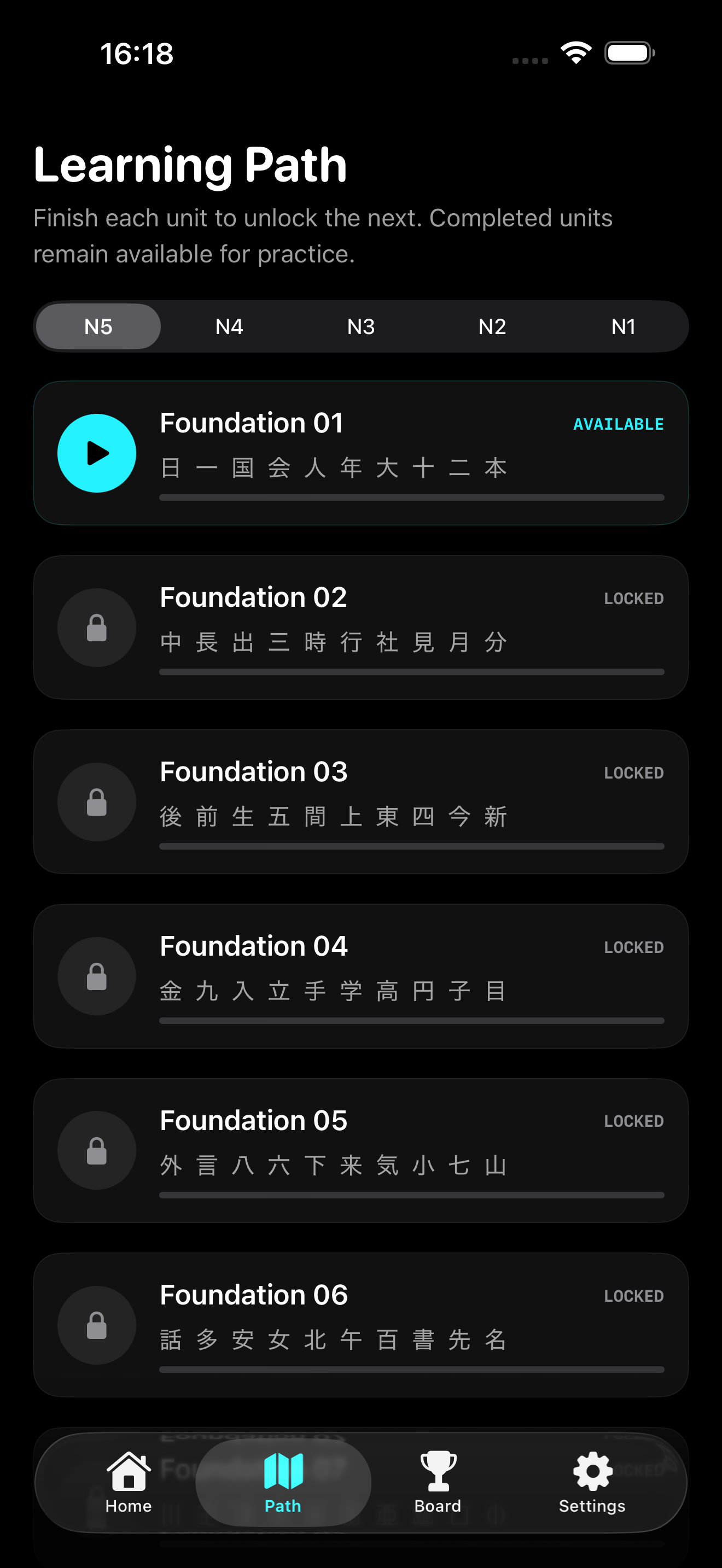
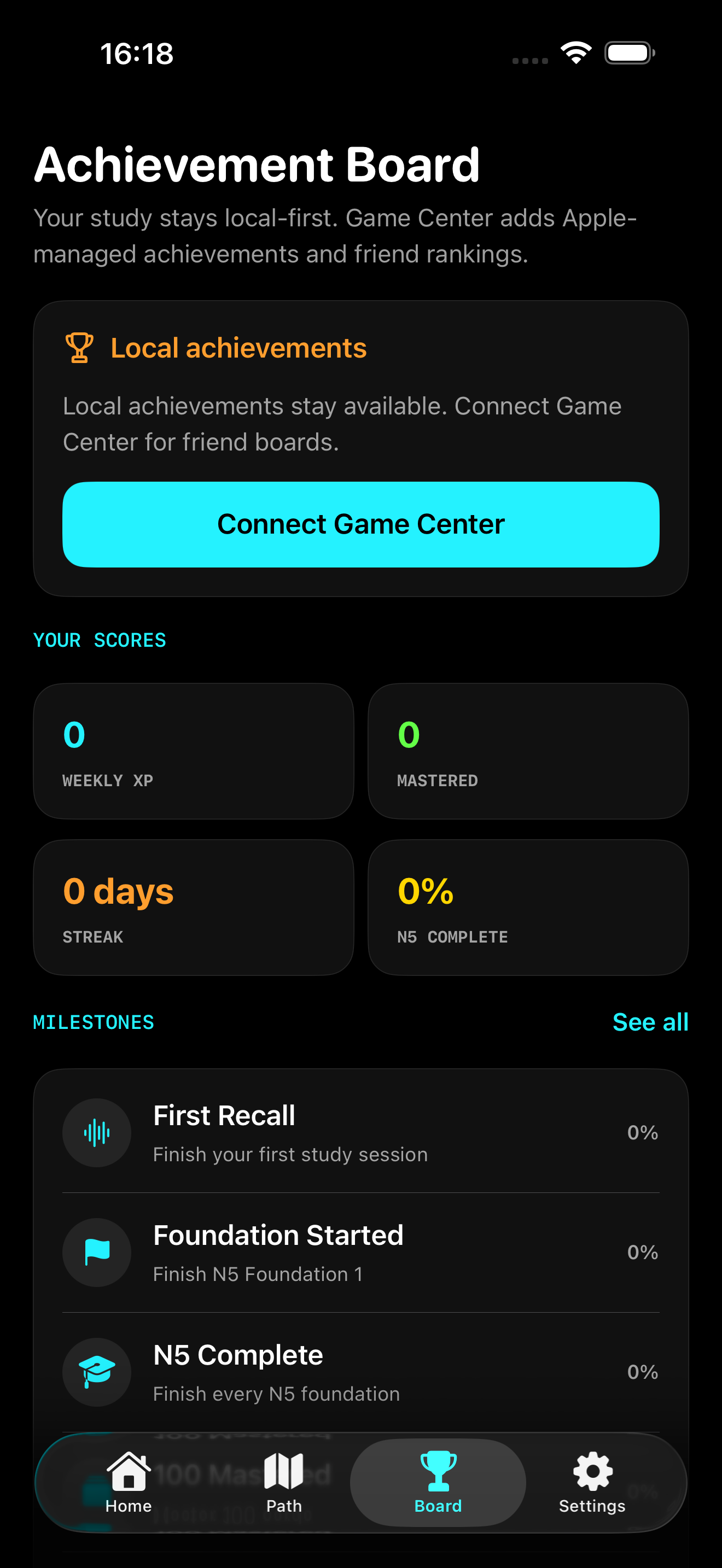
These are direct simulator captures from the release project. The focused layout supports normal touch use, headphones, and optional hands-free sessions.
HANDS-FREE IS THE ADVANTAGE
Use the screen normally, connect headphones, or rely on Japanese voice commands during a session. Walking and smart-glasses use remain supported contexts—not the identity of the product.
Speak the reading aloud
KANJI ALOUD
The 学 kanji sits directly over a speech waveform—the product’s visual shorthand for learning by seeing, speaking, and remembering.
NO HEAVY ACCOUNT SYSTEM
01 Study continues when iCloud, Game Center, or the network is unavailable.
02 A bundled neural network uses CTC to match each spoken answer to the expected Japanese reading on the iPhone. Apple Speech is used separately for hands-free commands.
03 No developer account, advertising SDK, analytics SDK, or developer-operated backend.
SUPPORT THAT APPLE CAN VERIFY
Dedicated pages provide direct contact routes, permission troubleshooting, Apple-service explanations, and the release privacy policy.